Word (Microsoft) Easter Egg - Word 2000 Visual Basic Credits
Note: This is an improved version of the "VBA Developers Credits" egg (Word 97) updated for Word 2000
Step 1: Start Word 2000.
Step 2: Press Alt + F11 to start Microsoft Visual Basic.
Step 3: RIGHT-click on the toolbar and select Customize from the menu.
Step 4: Click the Help menu. The Help menu should now be dropped down.
Step 5: RIGHT-click on the About Microsoft Visual Basic selection. You will now be faced with a floating menu with the option Name: &About Microsoft Visual Basic (About Microsoft Visual Basic will be in a editable text field)
Step 6: Change the phrase &About Microsoft Visual Basic to "Show VB Credits" (no quotes).
Step 7: Close the Customize box (using the Close button).
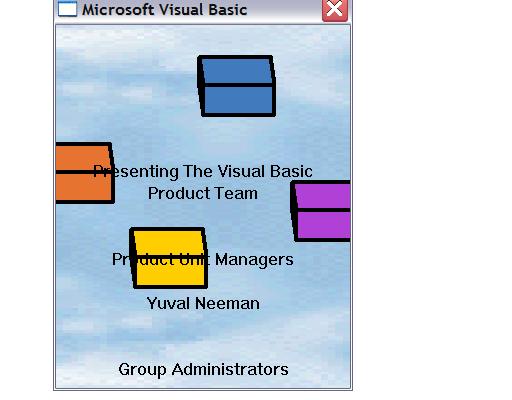
Step 8: Select Help > Show VB Credits.
Step 9: Enjoy the show (includes music)...
| User Rating: |
4.9
4.9/10 with 841 votes
|
| Contributed By: |
Vader on 10-31-2000 |
| Reviewed By: |
Webmaster |
Special Requirements: Word 2000, Visual Basic (included in default Office 2000 install), Sound Card (preferably)
Pictures and Videos
 |
| Visual Basics Credits |
Do you have another one?
Send us a picture or video of this Egg!
Comments