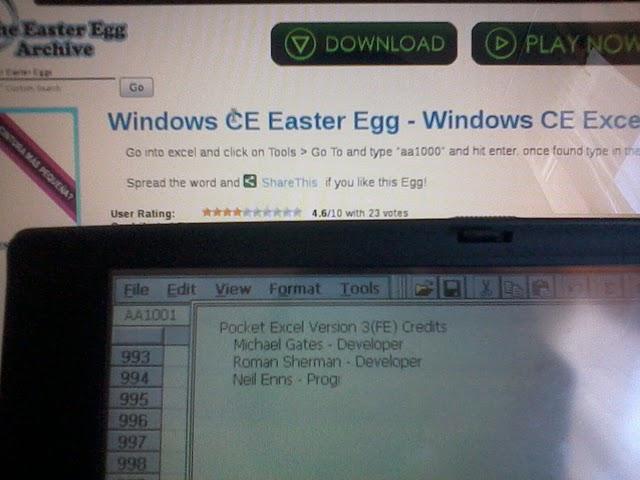
Windows CE Easter Egg - Windows CE Excel Easter Egg
Go into excel and click on Tools > Go To and type "aa1000" and hit enter. once found type in the cell "credits".
| User Rating: |
4.6
4.6/10 with 23 votes
|
| Contributed By: |
Anonymous on 09-04-2004 |
| Reviewed By: |
sars, Capital C |
Special Requirements: Microsoft Pocket Excel V3.01
Pictures and Videos
 |
| Indeed, this works in my mobilepro 780 |
Do you have another one?
Send us a picture or video of this Egg!
Comments