Charlie's Angels Easter Egg - Pocket
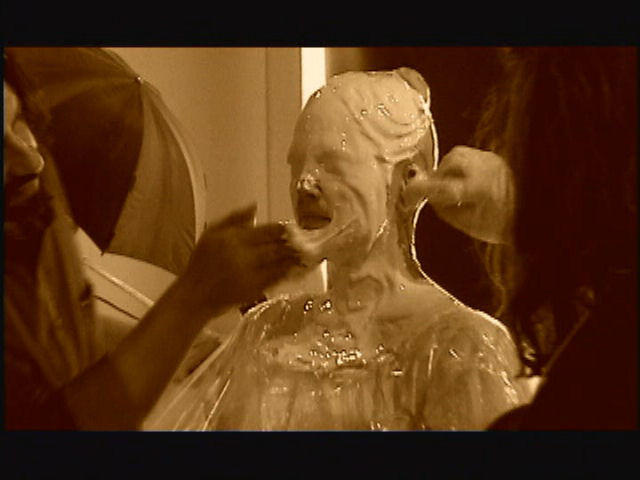
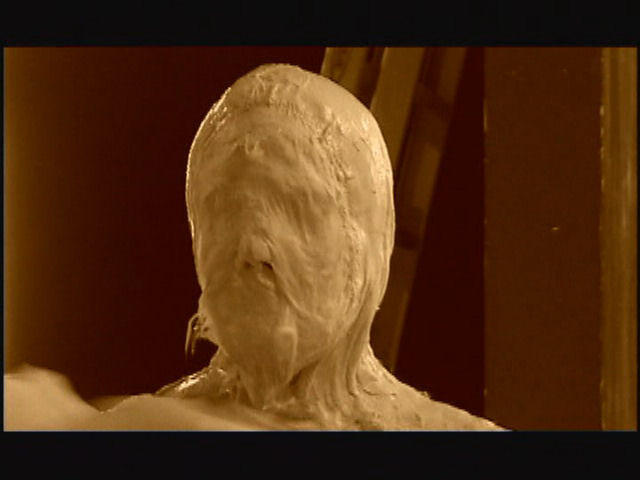
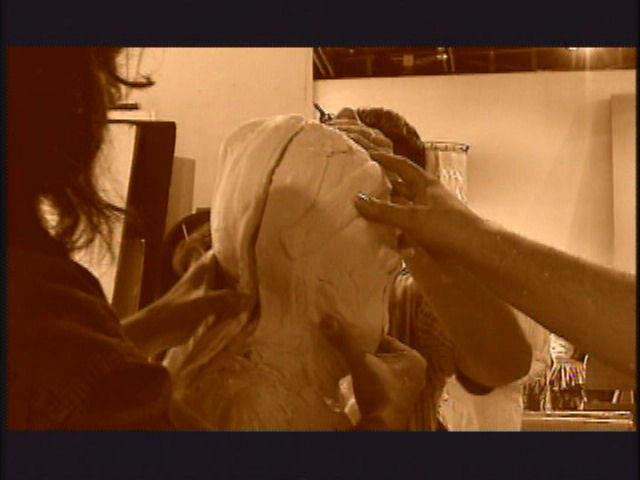
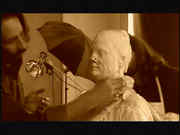
Wait for the front DVD Menu to load. Go to the Special Features of the movie.A menu showing the three angels dressed in the Netherlands attire will show. Click the arrow toward the bottom of the screen to navigate to the next page. A man wearing a jacket will now appear. Move up from the arrow to the "Wired Angels" feature. Move to the left. The man's pocket will be highlighted. Press Enter or Play, whatever's on the remote. This features Drew Barrymore being fitted for the mask in the opening scene.Enjoy!
Pictures and Videos
 |
 |
 |
| Drew's mask being applied |
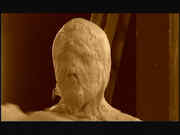
Drew's mask almost finished - Vidcap by Jim Shank |
Drew's mask finished - Vidcap by Jim Shank |
 |
 |
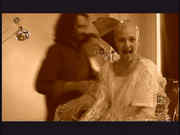 |
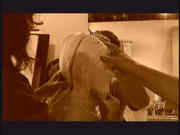
| Drew's mask coming off - Vidcap by Jim Shank |
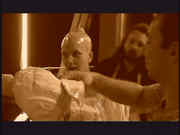
Drew: Is it finally over? - Vidcap by Jim Shank |
Drew acting silly after mask comes off - Vidcap by Jim Shank |
Do you have another one?
Send us a picture or video of this Egg!
Comments