Beavis and Butt-head: The Mike Judge Collection Volume 1 Easter Egg - Hidden Cartoon
1. Put in Disc One of the DVD set.
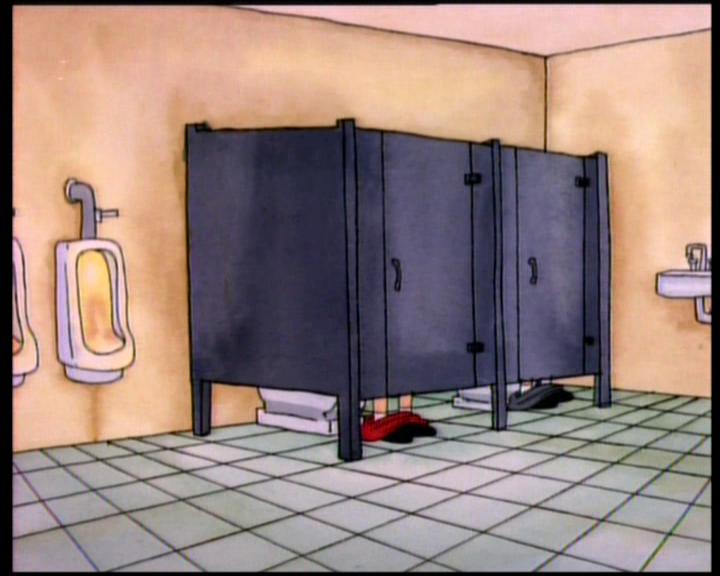
2. When the Menu comes up, when choosing "Play All" or "Cartoons" press the up button on your remote until you see a lightning bolt on the bottom, press "Enter", "OK" or Play. You should see a short animation. Enjoy!
| User Rating: |
6.2
6.2/10 with 4 votes
|
| Contributed By: |
Eric on 03-16-2006 |
| Reviewed By: |
Axel, MorPH |
Special Requirements: This DVD Collection
Pictures and Videos
 |
| Scene that appears, after hitting the "flash" button. |
Do you have another one?
Send us a picture or video of this Egg!
Comments