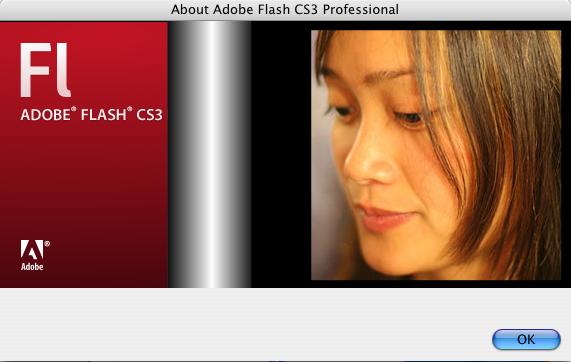
Adobe Flash CS3 Professional Easter Egg - Developer Photos
Go to the "Help" menu, then click "About Adobe Flash CS3 Professional".
When this has loaded, click on the second (c) symbol between Flash and CS3.
A silver line will move in from the right of the window and then photos will appear.
You can click on the photos to move through them faster, clicking to the left of the photos will make the About dialog go back to normal.
Special Requirements: CS3 Professional
Pictures and Videos
 |
| Picture of the egg in action. |
Do you have another one?
Send us a picture or video of this Egg!
Comments