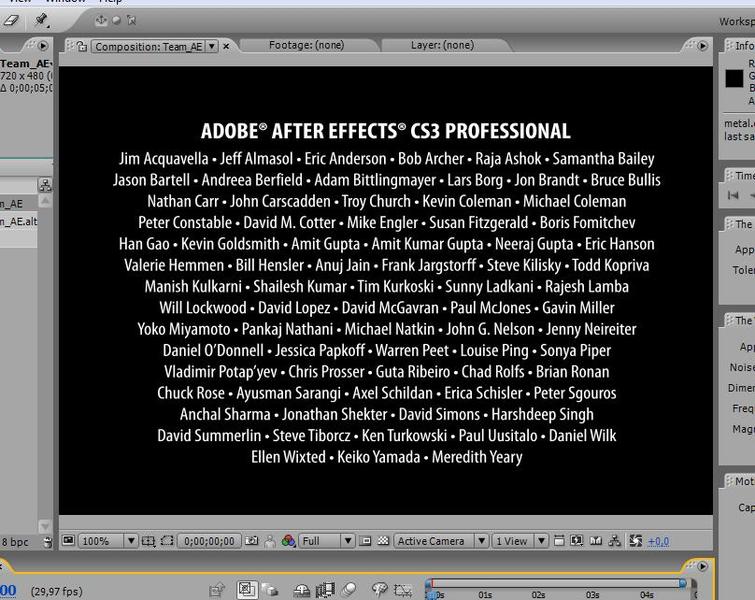
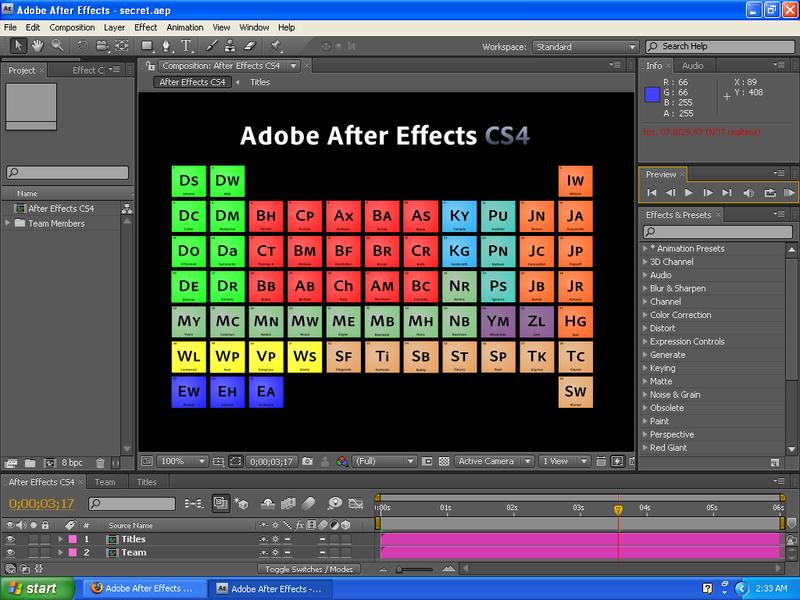
Adobe After Effects Easter Egg - See the Creators
1. Open Adobe After Effects.
2. While holding down the ALT key, click on the HELP menu and choose "About After Effects."
Instead of seeing the standard splash screen, you get a "pretty" looking screen with the developer's names
| User Rating: |
5.0
5.0/10 with 72 votes
|
| Contributed By: |
Dain Anderson on 07-24-1999 |
| Reviewed By: |
Webmaster |
Special Requirements: Adobe After Effects 4.0
Pictures and Videos
 |
 |
| Adobe After Effects - The Creators |
In adobe After effects CS4 |
Do you have another one?
Send us a picture or video of this Egg!
Comments