GNU Gimp Easter Egg - Hidden Graphics Demo
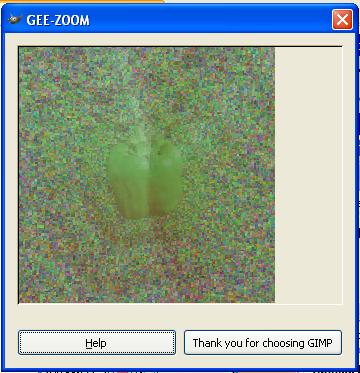
Open any picture (not a blank "New" picture, but rather something real). Right-click on the picture, and, holding the mouse button, choose Filters>Toys>The Egg.
Once the egg window pops up, move mouse cursor around.
And try clicking on it!
| User Rating: |
6.6
6.6/10 with 87 votes
|
| Contributed By: |
senex on 10-31-2000 |
| Reviewed By: |
Webmaster |
Special Requirements: Tested on Gimp 1.1.11
Pictures and Videos
 |
| This Easter Egg running on The Gimp 2.0.10 for Windows |
Do you have another one?
Send us a picture or video of this Egg!
Comments