Mac OS X Easter Egg - Mail.App Developer
1. Go to Applications folder on your Hard Drive
2. Look for Mail
3. ctrl-Click the app and choose "Show package"
4. Look inside for folder Contents - Resources
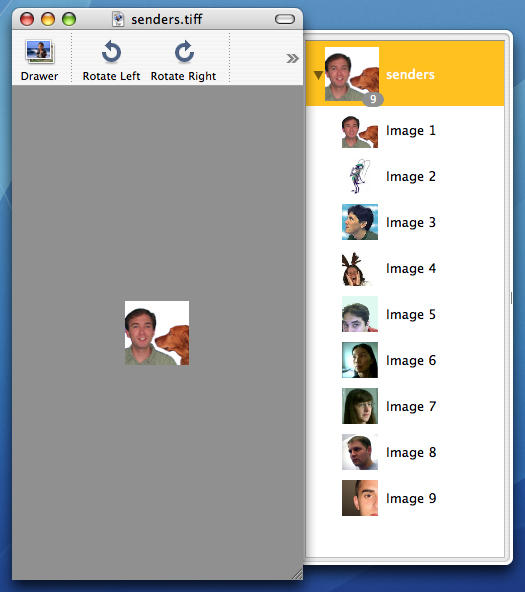
5. Look for "senders.tiff" and open it with Preview
6. After seconds you can see the other layers to the right of the window. These 8 "people" are "somehow close to the app".
This is the first real easteregg in OS X since Steve Jobs prohibited it. Risky business for these guys.
| User Rating: |
7.1
7.1/10 with 407 votes
|
| Contributed By: |
Tice on 05-20-2003 |
| Reviewed By: |
Webmaster |
Special Requirements: OSX 10.4 and earlier only . The .tiff file does not exist in the 10.5 (Leopard) package contents
Pictures and Videos
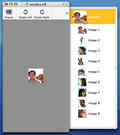 |
| This is the senders.tiff easter egg in Mail(OS 10.4) |
Do you have another one?
Send us a picture or video of this Egg!
Comments