DVD Easter Eggs | Software | Movies | Music | TV | Books | Art Bloopers | Drink Recipes
[Eeggs.com Logo] The Easter Egg ArchiveTM
EEGGS.COM
Google
Web eeggs.com
Home > Software > Application Software > Adobe Photoshop CS2 Easter Eggs Add an Egg | Help | Discussion
   
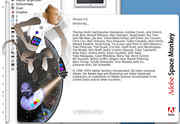
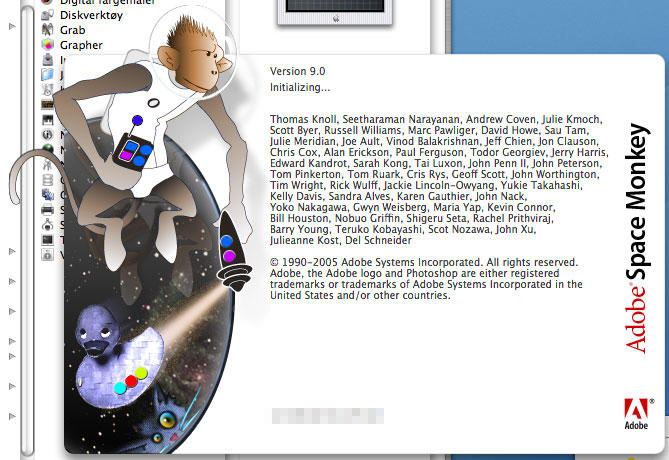
Adobe Photoshop CS2 - Adobe SpaceMonkey
From Photoshop (Mac OS X Version.), click the Photoshop menu then hold down the Command (Apple) and Option keys and click "About Photoshop".
For Windows users, press both CTRL and hold it down. Still pressing CTRL, click on the "Help" menu and select "About Photoshop...".
Enjoy Adobe SpaceMonkey.
Special Requirements:
Adobe Photoshop CS2 for Mac and Windows
Avg. Rating:    7.9 of 10 - (91 votes cast)
Your Rating:   
Contributed By:
Anonymous on 07-23-2005
Reviewed By:

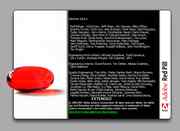
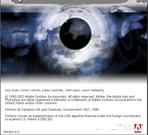
Pictures Click on the thumbnails for a full-size image, or send in your own
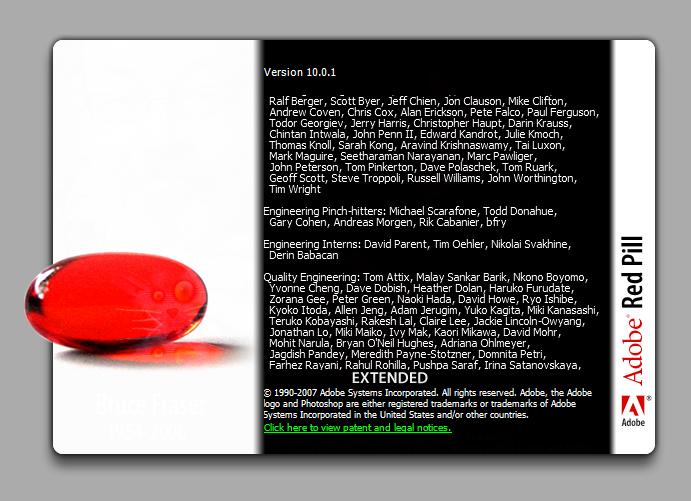
Adobe Spacemonkey - Adobe Photoshop CS2 CS3 version of this easter egg... now called Photoshop CS
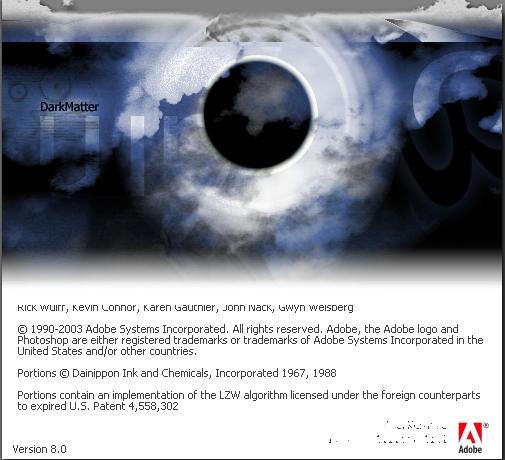
Adobe Spacemonkey - Adobe Photoshop CS2 CS3 version of this easter egg... now called "red pill" Photoshop CS "Dark Matter"
Comments:
nav2k4@hotmail.com writes:
Press and hold ctrl+shift then help>about photoshop for PC
70 of 86 people found this comment helpful. Did you? Yes
matt writes:
Or simply holding Ctrl and clicking Help | About Photoshop... works.
9 of 9 people found this comment helpful. Did you? Yes
mchotdog writes:
I have Adobe Photoshop CS and the help screen turned into a eyeball with dark blue sky backhground and two little words on the left that reads "Dark Matter".
12 of 16 people found this comment helpful. Did you? Yes
Teddy1994 writes:
i get the dark matter thing when i go in. is this because i have cs?
3 of 4 people found this comment helpful. Did you? Yes


Register - My Settings - FAQ - Privacy Policy - About Us - Contact Us