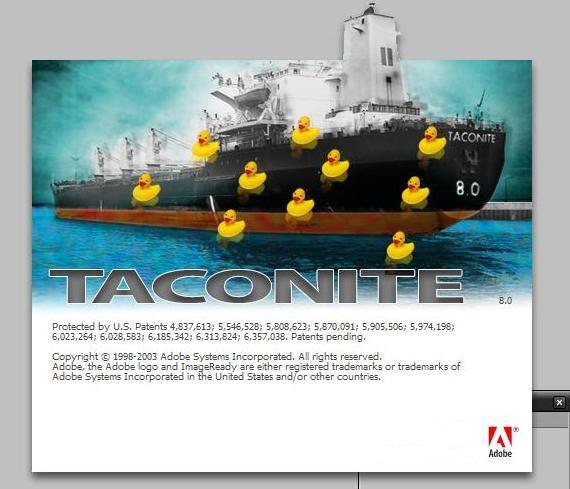
Adobe ImageReady CS Easter Egg - Change Title Screen
1. Alt-Click the "Go to Adobe.com" on the tools window, it should change to a ship.
2. Close ImageReady.
3. Re-open it, and Ctrl-Alt click and hold "Help" -> "About ImageReady", it should be Taconite.
4. Hold ctrl and click the ship, the cursor should change. You should now you have ducks on your screen.
| User Rating: |
8.5
8.5/10 with 15 votes
|
| Contributed By: |
James on 03-16-2006 |
| Reviewed By: |
Axel, MorPH |
Special Requirements: ImageReady CS
Pictures and Videos
 |
| Duckies |
Do you have another one?
Send us a picture or video of this Egg!
Comments