Mac OS X Easter Egg - Weather Nowhere
Bring up the Weather widget:
Open the Dashboard, either by clicking its icon in the Dock or by pressing the 'F12" button on your keyboard.
Click on the '+' sign in the bottom left-hand corner of the screen to load up the widget bar.
Locate the 'Weather' by clicking the arrow buttons to either side of the widget bar. When you have found it, drag it to the Dashboard and drop it in a convenient place.
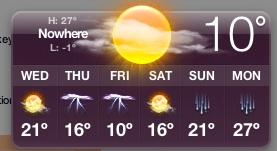
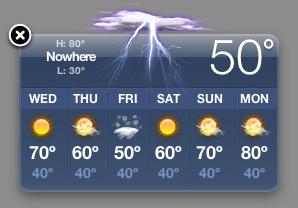
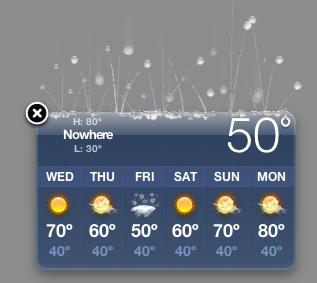
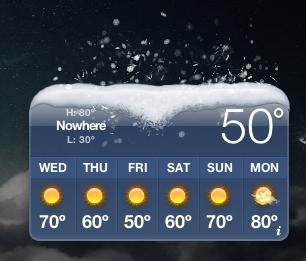
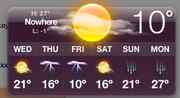
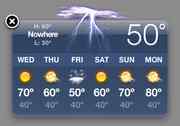
You proabably knew all that, but not hold down the command ('Apple') and option ('alt') buttons together whilst clicking on the weather symbol at the top of the widget itself and watch the current city's name change to 'Nowhere'. As you repeat this, you will see all of the different kinds of weather the widget is capable of depicting.
| User Rating: |
8.2
8.2/10 with 153 votes
|
| Contributed By: |
JP on 03-16-2006 |
| Reviewed By: |
Axel, MorPH |
Special Requirements: Mac OS X 10.4 'Tiger'
Pictures and Videos
 |
 |
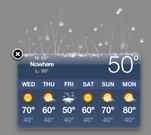 |
| The weather forcast for "nowhere" enjoy! |
Thunderstorms Nowhere today... |
Call the insurance company... |
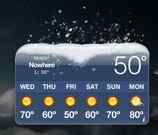 |
| Heavy Snow in 50º! |
Do you have another one?
Send us a picture or video of this Egg!
Comments