DVD Easter Eggs | Software | Movies | Music | TV | Books | Art Bloopers | Drink Recipes
[Eeggs.com Logo] The Easter Egg ArchiveTM
EEGGS.COM
Google
Web eeggs.com
Home > Software > Application Software > Adobe Illustrator CS2 Easter Eggs Add an Egg | Help | Discussion
   
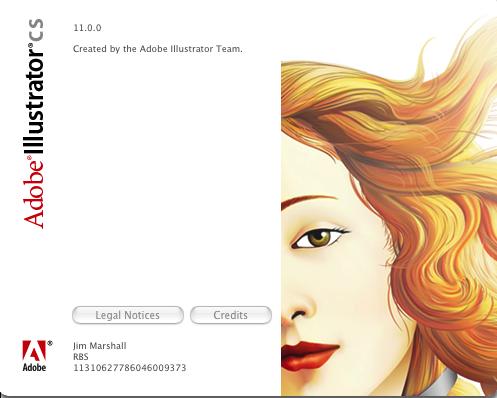
Adobe Illustrator CS2 - Woman's Face
1. Open up Adobe Illustrator CS 2
2. Hold down, "Shift", "Ctrl", and "Alt"
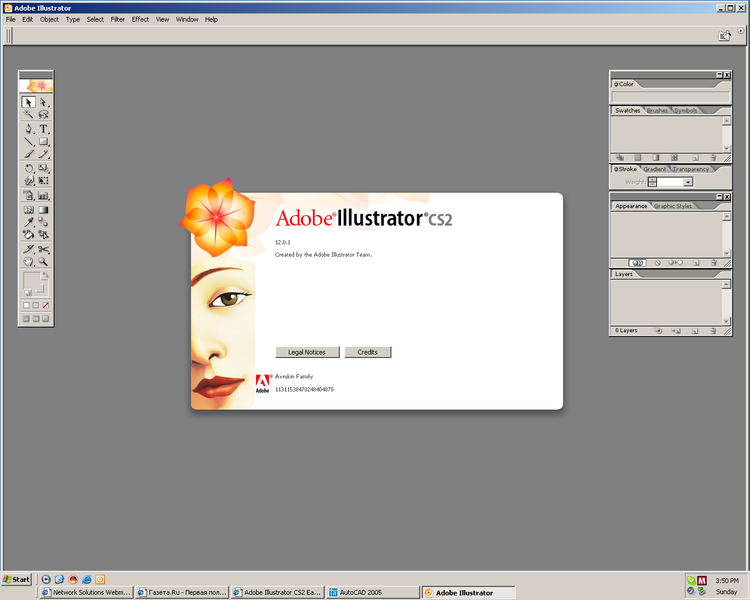
While keeping them held, go to Help, and 'About Illustrator'.
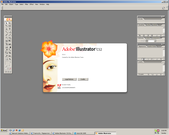
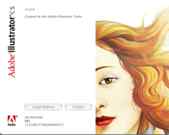
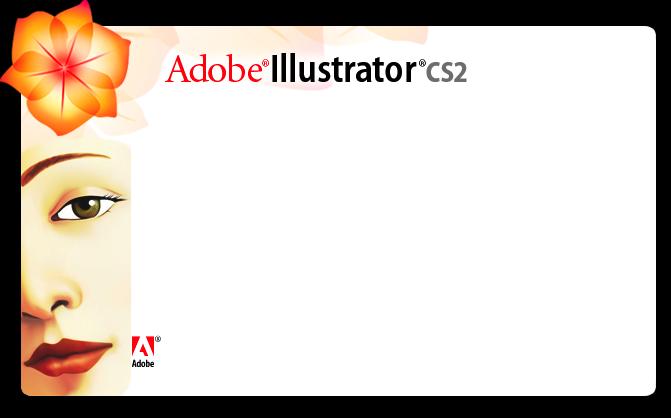
A woman's face should appear on the left hand side.
Special Requirements:
Adobe Illustrator CS 2
Avg. Rating:    4.8 of 10 - (20 votes cast)
Your Rating:   
Contributed By:
Andrew Ludewig on 03-16-2006
Reviewed By:

Pictures Click on the thumbnails for a full-size image, or send in your own
womansheadjpg This is what I get on Mac OS X. Woman's Face in Illustrator CS2
This is the Same but on a Mac (OS X 10.4.4) Adobe Illustrator CS
Comments:
raigne writes:
More specifically it's the Birth of Venus illustration used for the load screen and tools palette in versions of Illustrator prior to CS.
4 of 5 people found this comment helpful. Did you? Yes
DanH writes:
I'm almost certain that that's the head (or part of the hesd) of the woman in 'Birth of Venus.
1 of 4 people found this comment helpful. Did you? Yes


Register - My Settings - FAQ - Privacy Policy - About Us - Contact Us