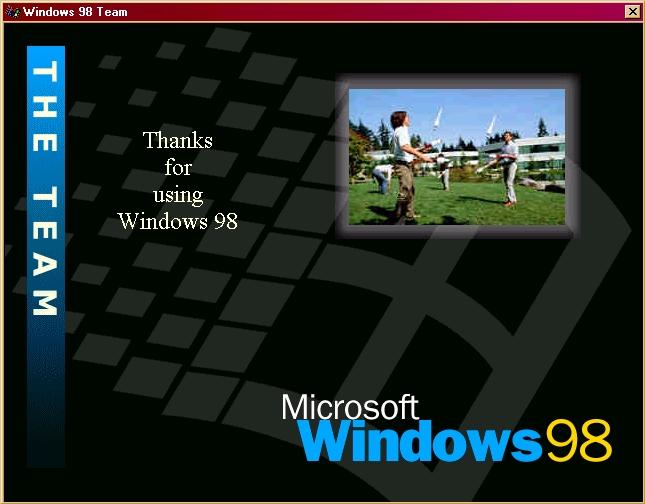
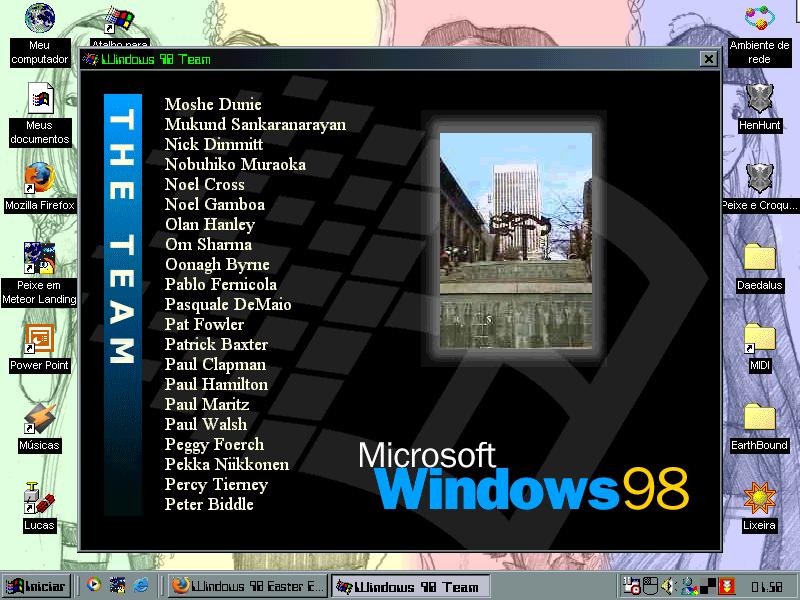
Windows 98 Easter Egg - Windows 98 Team
1. In the Windows directory go to "Application Data\Microsoft\WELCOME"
2. Create a Shortcut for the file Weldata.exe by right clicking on the file and selecting "Create Shortcut"
3. Right click on the newly created shortcut and select "Properties"
4. In the shortcut tab, add the following at the end of the "Target" edit box " You_are_a_real_rascal". This causes the application WELDATA.EXE to be called with the argument 'You_are_a_real_rascal'
5. Now in the "Run" combobox select "Minimized"
6. Click OK and double click the shortcut & ENJOY!
| User Rating: |
5.1
5.1/10 with 3061 votes
|
| Contributed By: |
George C.K. on 07-15-1999 |
| Reviewed By: |
Webmaster |
Special Requirements: Windows 98
Pictures and Videos
 |
 |
| Windows 98 TEAM xd |
Windows 98 Team Egg |
Do you have another one?
Send us a picture or video of this Egg!
Comments