Mac OS X Easter Egg - Life @ Terminal
1. Open finder;
2. Open Applications;
3. Open Utilities;
4. Open Terminal;
5. type "emacs" (no quotation marks of course); click enter;
6. Press ESC + x at the same time;
7. Type "life" (no quotation marks of course); click enter.
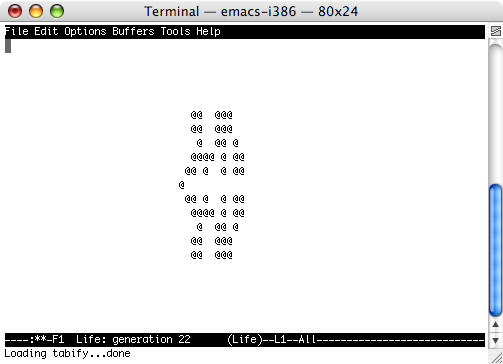
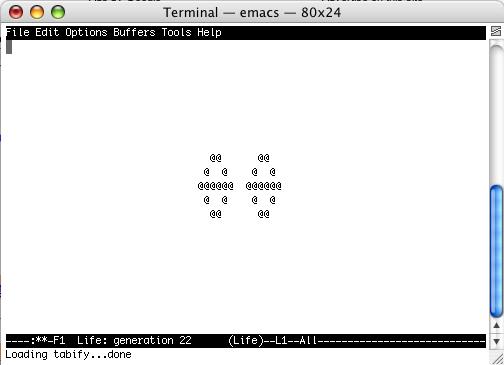
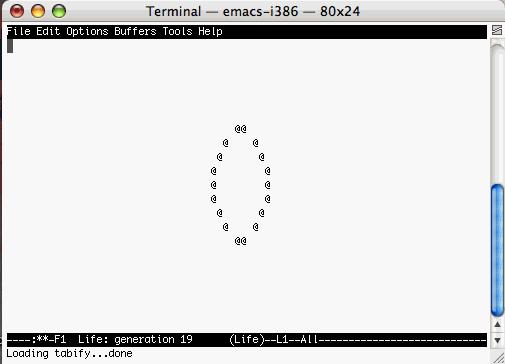
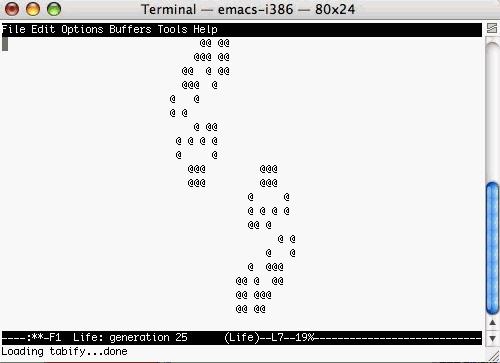
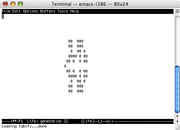
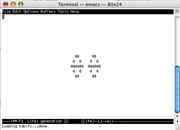
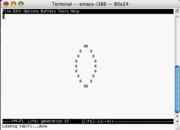
Lots of "@" will start moving around randomly
| User Rating: |
4.7
4.7/10 with 18 votes
|
| Contributed By: |
Anonymous on 12-07-2006 |
| Reviewed By: |
racedogg2, MorPH |
Special Requirements: Mac OS X
Pictures and Videos
 |
 |
 |
| MacOSX life @ terminal - egg |
This is the final result for the "Life" easter egg. |
@ formation |
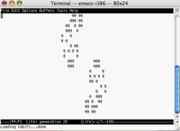 |
| @ ease |
Do you have another one?
Send us a picture or video of this Egg!
Comments