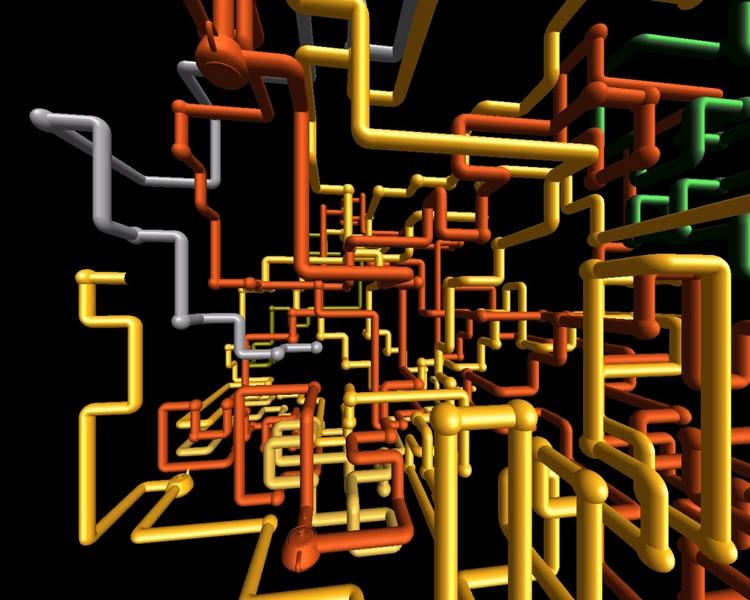
Windows NT Easter Egg - Pipes Screensaver
1. Open Control Panel
2. Open Desktop
3. Select 3D Pipes (OpenGL) as the screen saver
4. Click Setup, and set the joint style to mixed.
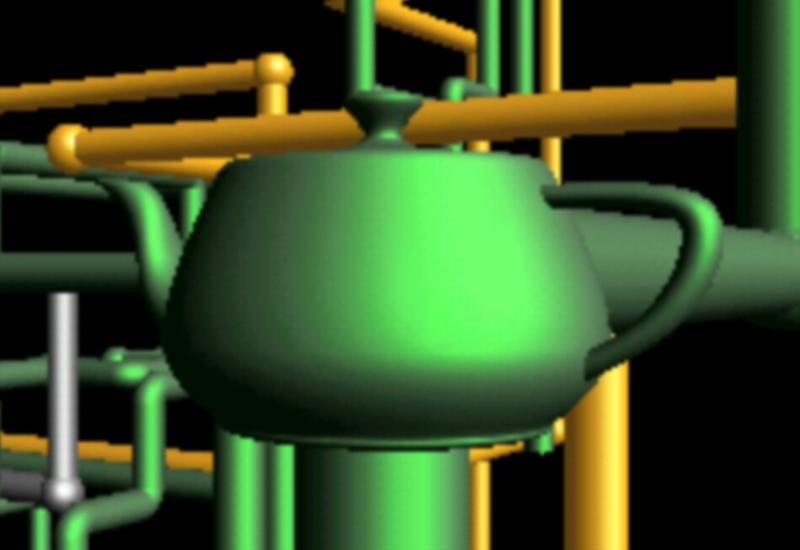
5. When the screen saver comes on - look closely. Every once in a while, a 'teapot joint' will appear.
| User Rating: |
3.7
3.7/10 with 429 votes
|
| Contributed By: |
Alan Grainger on 07-15-1999 |
| Reviewed By: |
Webmaster |
Special Requirements: WinNT v3.5 and above
Pictures and Videos
 |
 |
| Rare three Teapots at once! |
Large Green Tea |
Do you have another one?
Send us a picture or video of this Egg!
Comments
(The Webmasters have disabled posting of any new comments on this Egg)