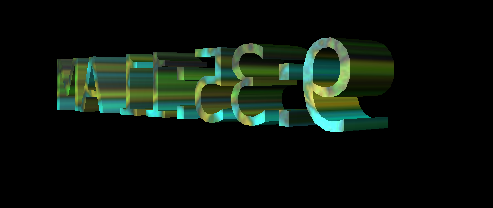
Windows XP Easter Egg - Updated Rainbow
I believe this goes under the "Vanity" clause; my theory (I can't tell since I'm *not* a programmer) is that they wanted to differentiate between the last "home user" version of Windows (ME) and XP. I happened to notice the difference when I tried the original "volcanoes" egg and didn't get a single name of an actual volcano! To see the "updated" rainbow:
1. Open up the Display controls panel. You can find this in two ways:
a. Go to Control Panel, then double-click on the "Display" entry/icon, or
b. Right-click anywhere on your desktop that is _not_ covered by an icon and click on "Properties".
(Both of these will get you to the exact same place; just use one or the other.)
2. Click on the "Screen Savers" tab, then scroll to "3D Text".
3. Click on the Settings button and tweak the settings this way:
Text: either (although the time will show this off better, IMO)
Rotation: Any (Spin or Tumble recommended)
Surface Style: Here's where the similarity is. It's the same as the one for Windows 98SE (http://www.eeggs.com/items/1959.html) that Nikolas wrote about (just scroll down after clicking the above link for his entry). *Please remember to close the textures window by clicking on the "abort" (the small x in the upper right-hand corner) and NOT the "ok" button!*
You can tweak the rest of the settings as you wish. Be sure to hit "OK" after setting things up or this won't work!
4. Hit the "preview" button to see the new rainbow! (On some machines, the preview window in the tab is too small to view this properly.)
--------------------------------------------------
To Admins: I will post screenshots of this as soon as I see this on the site.
| User Rating: |
2.9
2.9/10 with 34 votes
|
| Contributed By: |
Ketira shena Pretara'sedrin on 04-11-2007 |
| Reviewed By: |
racedogg2, dicai |
Special Requirements: Windows XP
Pictures and Videos
 |
 |
 |
| This is the image of the #D text with the clock and the texture |
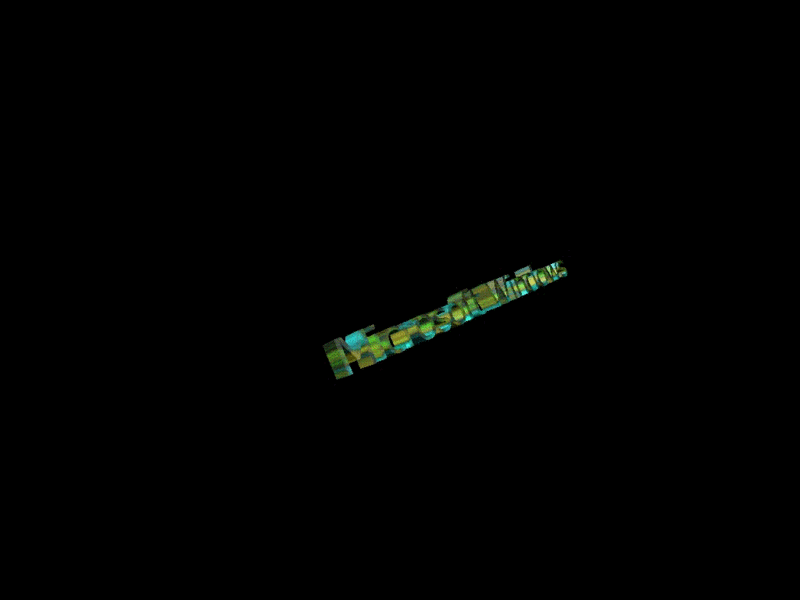
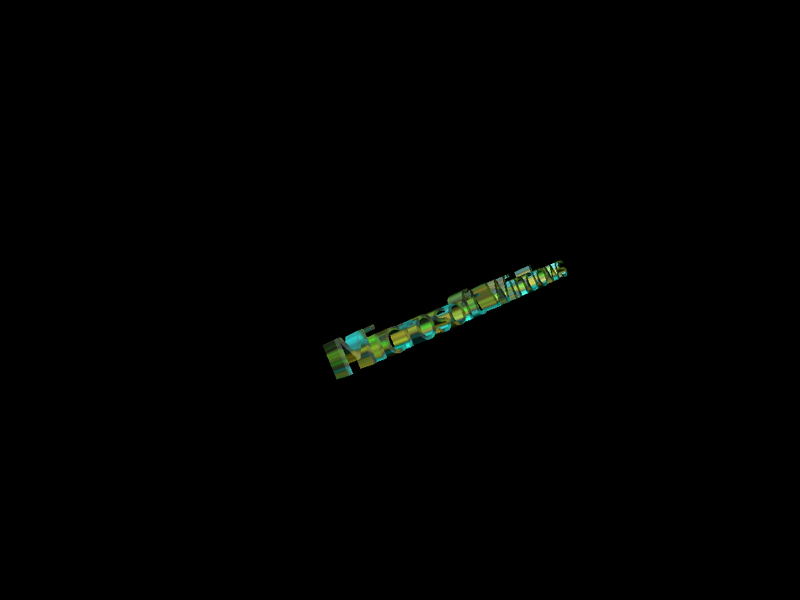
Egg with the text "Microsoft Windows" and the "Wobble" rotation. |
Egg with the text "Microsoft Windows" and the "Wobble" rotation. |
Do you have another one?
Send us a picture or video of this Egg!
Comments