If you can read this, either the style sheet didn't load or you have an older browser that doesn't support style sheets. Try clearing your browser cache and refreshing the page.
DVD Easter Eggs Software Movies Music TV Books Art
Google Web Eggs

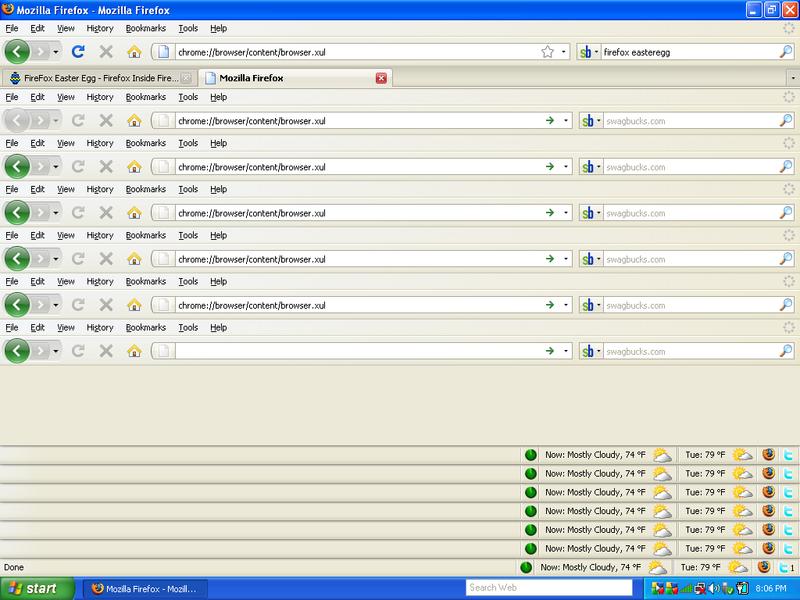
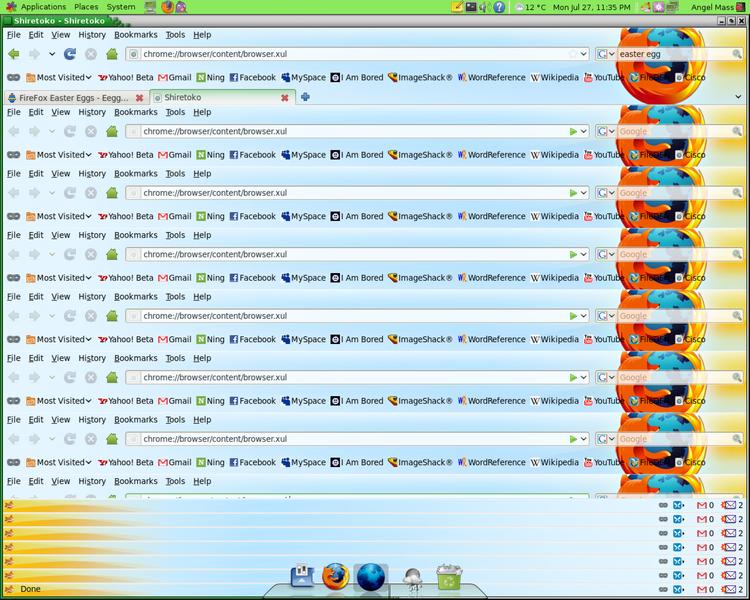
FireFox Easter Egg - Firefox Inside Firefox

1. Open Firefox
2. Enter the following in the address bar:
chrome://browser/content/browser.xul
User Rating:
7.5
  7.5/10 with 90 votes
Contributed By: Anonymous on 06-19-2007
Reviewed By: butterhoney12, dicai
Special Requirements: Any Version of Firefox works

Pictures and Videos
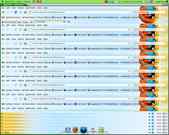
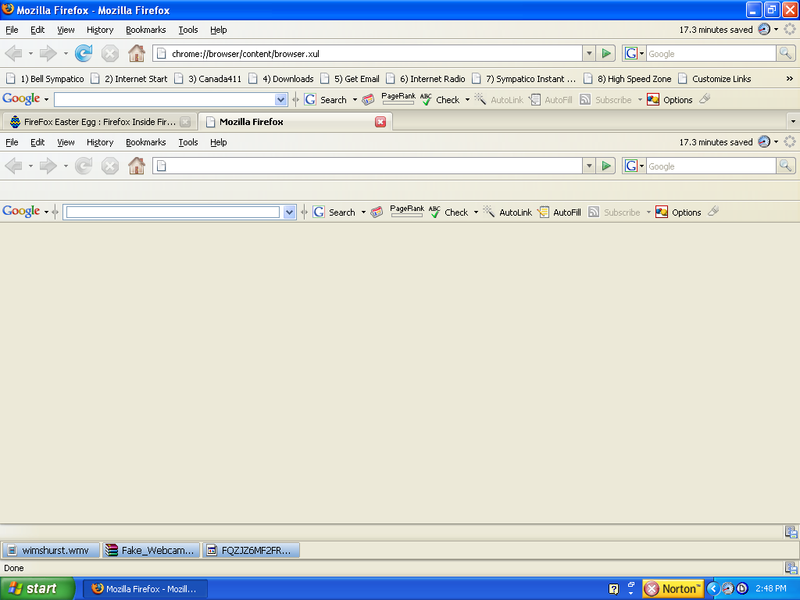
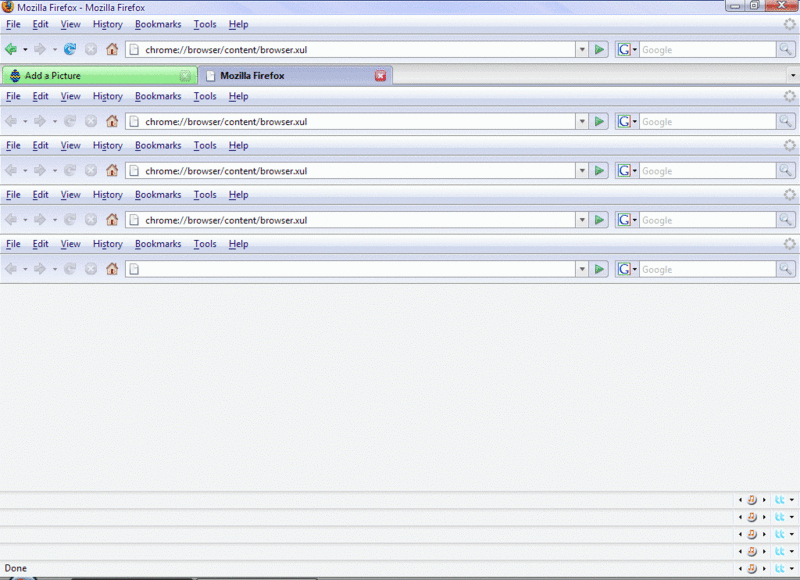
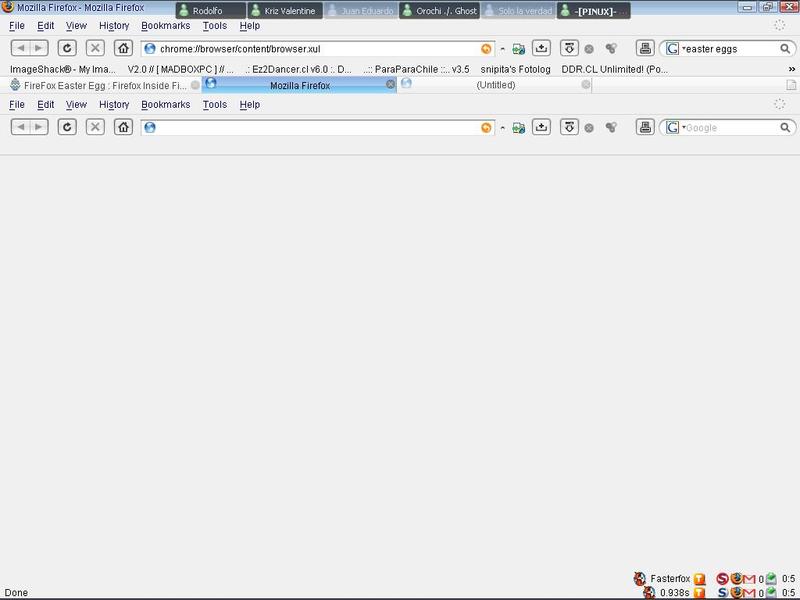
FireFox inside FireFox! Multiple instances of the Firefox browser inside one another after trying this Egg on each instance. Performance gets slower with each try. firefox inside firefox ??

Do you have another one? Send us a picture or video of this Egg!

Comments

eiftu2 writes:
This is not an egg, but really clever hacking nonetheless. It works because you're causing the XUL file for the GUI to render inside itself. Firefox is neat because all the files for making GUIs, like the browser window or the options dialog, can be rendered just as easy as HTML. For more info, you can see http://en.wikipedia.org/wiki/Xul
70 of 74 people found this comment helpful. Did you? Yes No
jouwmakker writes:
Awesome, but pointless.
19 of 36 people found this comment helpful. Did you? Yes No
will2k123 writes:
Lol. Sweet, but kinda pointless.
15 of 33 people found this comment helpful. Did you? Yes No
Aaron writes:
Freaky
9 of 32 people found this comment helpful. Did you? Yes No
Faizan Ahmad writes:
what is its use?
4 of 24 people found this comment helpful. Did you? Yes No
Faizan Ahmad writes:
hello
7 of 38 people found this comment helpful. Did you? Yes No


Register - Privacy Policy - About Us - Contact Us