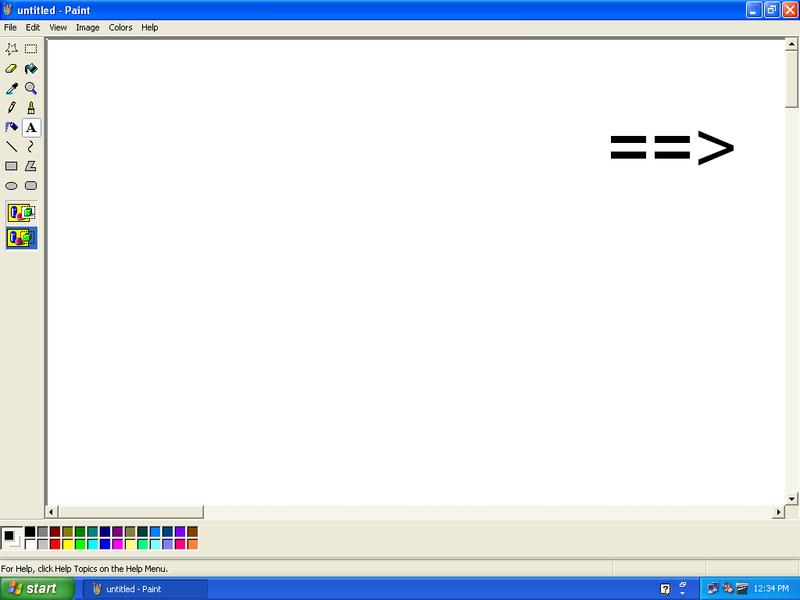
Windows XP Easter Egg - Windows Classic Scroll Bars in Paint
OK...
Start MS Paint
Click Image|Attributes
Set the size to 50x50 inches
Click OK
Select the Text Tool
Create a Textbox, but DON'T CLICK AWAY
Click either of the scroll bars
Click Anywhere on the canvas
VIOLA...Windows Classic Scroll Bars
| User Rating: |
3.5
3.5/10 with 56 votes
|
| Contributed By: |
Josh on 01-06-2008 |
| Reviewed By: |
MonicaIngram |
Special Requirements: MS Paint
Pictures and Videos
 |
 |
| Classic scroll bars |
MS Paint Classic Scrollbars |
Do you have another one?
Send us a picture or video of this Egg!
Comments