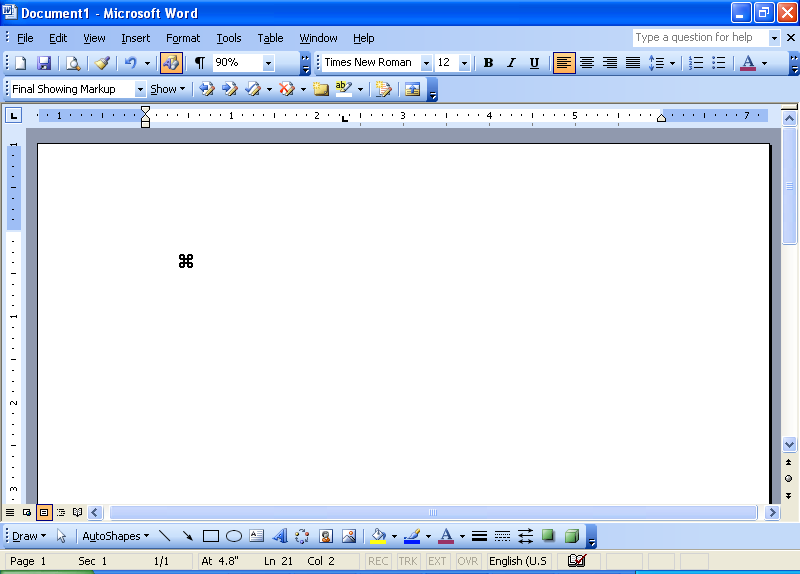
Word (Microsoft) Easter Egg - Change Cursor Appearance
1. Open Winword
2. Hold down Ctrl Alt then press +
3. Notice the mouse pointer appearance change into a clover leaf.
4. If this does not work, click Help, About
Repeat step 2
| User Rating: |
4.3
4.3/10 with 1714 votes
|
| Contributed By: |
Aries M Castillo on 07-20-1999 |
| Reviewed By: |
Webmaster |
Special Requirements: none
Pictures and Videos
 |
| Clover Leaf - MS Word |
Do you have another one?
Send us a picture or video of this Egg!
Comments