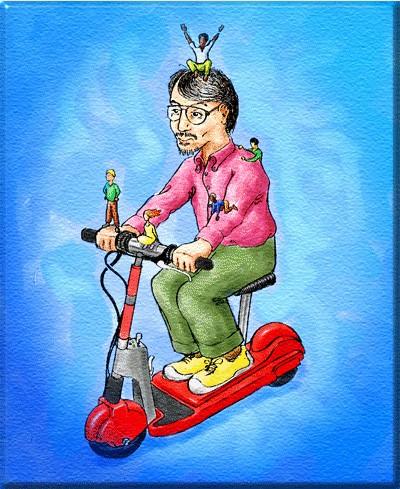
Sims, The Easter Egg - Scooter Guy
1) Put "The Sims" disk into your CD-ROM/DVD-ROM Drive
2) Wait for the "Autoplay" screen to come up
3) Look in the bottom left corner of the "Autoplay" Screen... you will see the Maxis symbol
4) Click on the Maxis Symbol
5) Enjoy this funny easter egg!
| User Rating: |
5.1
5.1/10 with 659 votes
|
| Contributed By: |
evaD on 02-21-2000 |
| Reviewed By: |
Webmaster |
Special Requirements: The Sims and a computer.
Pictures and Videos
 |
| Scooter guy picture when inserting Sims Disc 1 and clicking Maxis Icon |
Do you have another one?
Send us a picture or video of this Egg!
Comments